Words Splitter – Split Text into Individual Words Online Free
Need to quickly break text into individual words? Our Words Splitter tool makes it easy to extract clean word lists from any text in seconds. Whether you are working on research, data analysis, writing, or coding, this tool helps you organize and process text efficiently without manual effort.
🔤 Words Splitter
Paste your text below to split it into individual words.
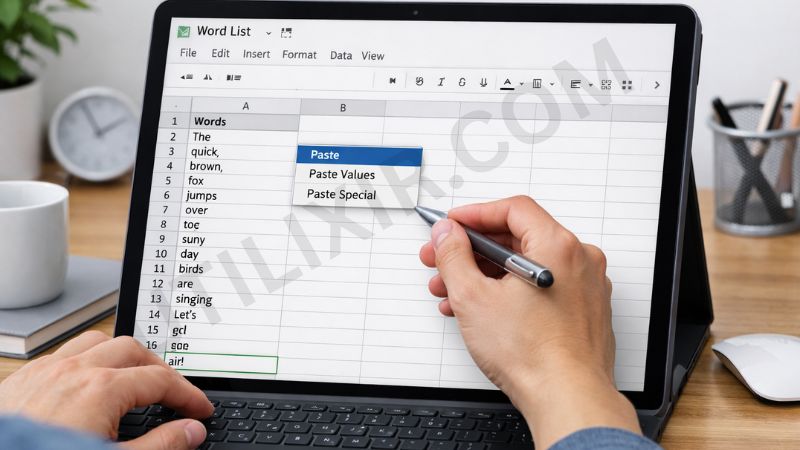
Text often contains punctuation, extra spaces, and formatting that make it difficult to analyze or reuse. By splitting your content into individual words, you can create structured lists for spreadsheets, keyword analysis, programming tasks, or content planning. Utilixir’s Words Splitter simplifies this process by instantly cleaning and extracting words from your text.
The tool is designed for speed and simplicity, allowing you to work directly in your browser without installing any software. Just paste your text and get results immediately. If you are working with text and data frequently, you may also find tools like Word Counter, Text To Speech, or Online Text Editor useful for handling other types of content alongside your workflow.
Key Features
1. Instant Word Extraction - Paste your text and get a complete list of individual words within seconds, saving time and effort.
2. Clean and Structured Output - The tool removes punctuation, extra spaces, and unnecessary characters, giving you a clean word list.
3. No Registration Required - You can use the Words Splitter instantly without creating an account.
4. Free to Use - The tool is completely free, making it accessible for students, professionals, and everyday users.
5. Secure and Private - Your text is processed in your browser and is not stored or shared.
6. Browser-Based Tool - No downloads or installations are required. Everything works online.
7. Cross-Device Compatibility - Use the tool on desktops, laptops, tablets, and mobile devices.
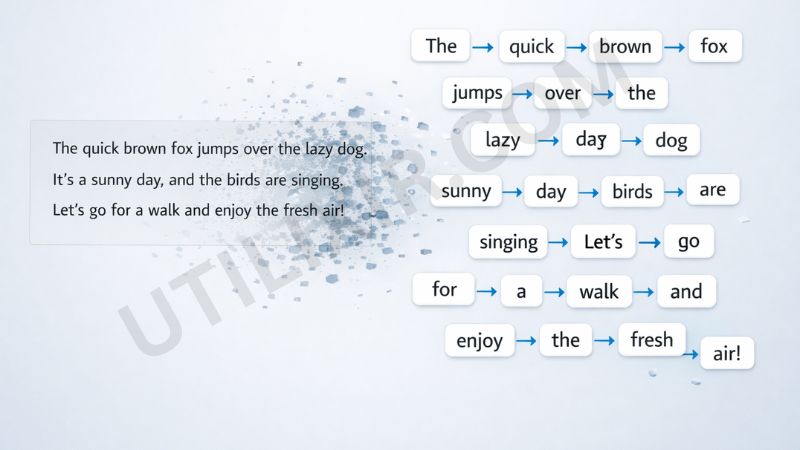
How to Use the Tool
Copy your text (paragraph, sentence, or list)
Paste it into the input box
Click Split Words
Wait for the tool to process the text
Copy the extracted word list
Use it in your document, spreadsheet, or project
Why Choose This Tool Over Other Tools
Many text processing tools are either overly complex or include unnecessary features that slow down simple tasks. Utilixir’s Words Splitter focuses on doing one thing well—splitting text into clean, usable words quickly and efficiently. It provides a distraction-free experience with fast results and no sign-up requirements.

Here is a comparison with other tools:
User Testimonials
Alison R.
“I needed a quick way to extract words from paragraphs for a spreadsheet. This tool worked perfectly.”
Marina K.
“Very simple and clean output. No extra formatting issues, which saved me a lot of time.”
Hal J.
“I use it for keyword analysis and text processing. It’s fast and reliable.”
Arina S.
“Great tool for students. I used it for organizing notes and research data.”
Conclusion
Utilixir’s Words Splitter is a fast, simple, and reliable way to break down text into individual words. It is free to use, secure, and works on any device without requiring installation or registration. Whether you are analyzing content, preparing data, or organizing text, this tool helps you work more efficiently. For broader workflows, you can also combine it with tools like Word Counter, Text To Speech, or Online Text Editor when handling different types of content.
FAQs
1. What type of text can I use with this tool?
You can use any text, including paragraphs, sentences, lists, or even code.
2. Is this Words Splitter free?
Yes, the tool is completely free to use.
3. Does the tool remove punctuation?
Yes, it removes punctuation and extra spaces to provide clean word output.
4. Is my text stored online?
No, your data is processed securely and is not stored or shared.
5. Can I use this tool on mobile devices?
Yes, it works on smartphones, tablets, and desktops.
6. Can I copy the results?
Yes, you can easily copy the extracted word list for use in other tools or documents.
7. Who can benefit from this tool?
Students, writers, developers, researchers, and anyone working with text data.
8. Can I use this for keyword analysis?
Yes, it is useful for extracting keywords from content.
9. Does formatting affect the results?
Well-formatted text provides better output, but the tool handles most input types effectively.
10. Are there limits on text length?
The tool handles standard text sizes efficiently. Extremely large inputs may affect performance.
Split Your Text into Words Instantly
Try Utilixir’s Words Splitter now and create a clean word list from any text in seconds.
Split Words