File Organizer – Sort Files by Type & Download Organized ZIP Online Free
Tired of messy folders and unorganized files? Our File Organizer helps you instantly sort your files by type and download everything neatly arranged in a ZIP archive. Whether you are cleaning up your downloads folder, preparing files for sharing, or organizing project data, this tool saves you time and effort with just a few clicks.
🗂️ Simple File Organizer (Auto-sorter)
Upload files and get a ZIP archive with files sorted by type.
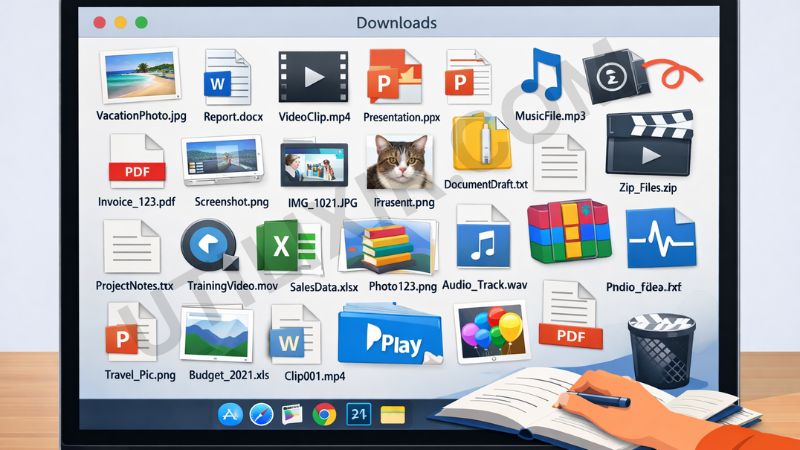
Managing large numbers of files manually can be time-consuming and frustrating, especially when dealing with mixed file types like images, documents, and videos. Utilixir’s File Organizer simplifies this process by automatically grouping your files into folders based on their extensions. This makes it easier to locate, manage, and share your files without confusion.
The tool is designed to be fast, simple, and accessible. There is no need to install software or create an account. Just upload your files and download a ready-to-use ZIP archive. For better workflow efficiency, you can also use tools like Image Resizer, PDF to Image Converter, or Image to Base64 to prepare and manage your files before organizing them.
Key Features
1. Automatic File Sorting
Files are instantly grouped into folders based on their extensions, saving you manual sorting effort.
2. ZIP Archive Download
Get all your organized files in a single downloadable ZIP file, ready to use or share.
3. Supports All File Types
Upload any type of file, and the tool will sort them accordingly.
4. No Registration Required
Use the tool instantly without signing up or providing personal information.
5. Free to Use
The File Organizer is completely free and available for unlimited use.
6. Secure and Private
Your files are processed securely and are not stored or shared.
7. Cross-Platform Compatibility
Works seamlessly on desktops, laptops, tablets, and smartphones.
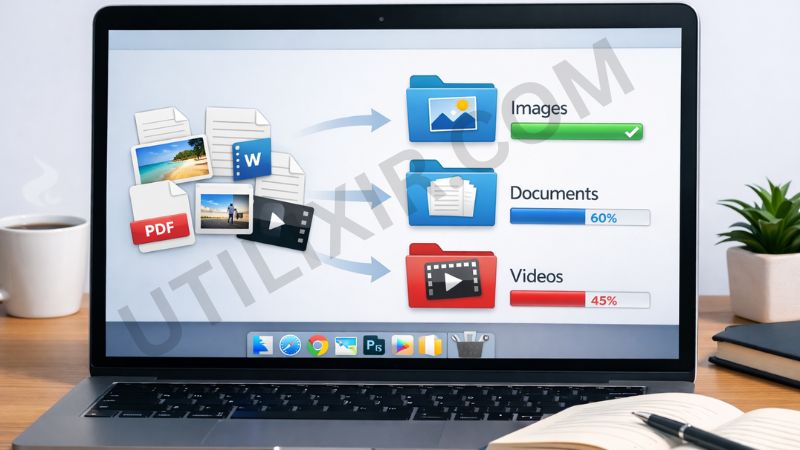
How to Use the Tool
Click Choose Files and upload your files
Select multiple files if needed
Click Organize & Download ZIP
Wait for the tool to sort and package your files
Download your organized ZIP archive
Why Choose This Tool Over Other Tools
Many file organization tools require installation, subscriptions, or manual setup. Utilixir’s File Organizer provides a simple, browser-based solution that organizes files instantly without any complexity. It is designed for users who want quick, reliable results without extra steps.

Here is a comparison with other tools:
User Testimonials
Deena Z.
“I had a messy downloads folder with mixed files. This tool organized everything perfectly in seconds.”
Kathy K.
“Super helpful for preparing files before sharing. The ZIP download makes everything easy.”
Hondo M.
“I use it for project files. It saves a lot of time compared to manual sorting.”
Nolan S.
“Simple, fast, and no sign-up. Exactly what I needed.”
Conclusion
Utilixir’s File Organizer is a fast, simple, and reliable solution for sorting files by type and packaging them into a ready-to-use ZIP archive. It is free, secure, and works directly in your browser without requiring installation or registration. Whether you are cleaning up folders, organizing projects, or preparing files for sharing, this tool helps you stay organized with minimal effort. For a more efficient workflow, you can also use tools like Image Resizer or PDF to Image Converter alongside it.
FAQs
1. What file types are supported?
You can upload any file type, and the tool will sort them by extension.
2. Is this File Organizer free?
Yes, it is completely free to use.
3. Do I need to sign up?
No, there is no registration required.
4. Are my files stored online?
No, your files are processed securely and are not stored or shared.
5. Can I use this tool on mobile devices?
Yes, it works on smartphones, tablets, and desktops.
6. Can I upload multiple files at once?
Yes, you can upload multiple files for batch organization.
7. Is there a limit to file uploads?
For best performance, it is recommended to keep uploads under 100 files.
8. What format will the output be?
You will receive a ZIP archive containing your organized files.
9. Who should use this tool?
It is useful for students, professionals, developers, and anyone dealing with multiple files.
10. Can I organize files before sharing them?
Yes, this tool is perfect for preparing neatly organized files for sharing.
Organize Your Files Instantly
Try Utilixir’s File Organizer now and get a clean, sorted ZIP archive from your files in seconds.
Start Organizing